A shipping label is the machine-readable document attached to the outside of a parcel that tells the carrier everything it needs to deliver it correctly. Without a valid label, a parcel cannot move through any modern courier network. Understanding what a label contains, who produces it, and how to handle it correctly prevents a large category of avoidable shipping problems.
What Information a Shipping Label Contains
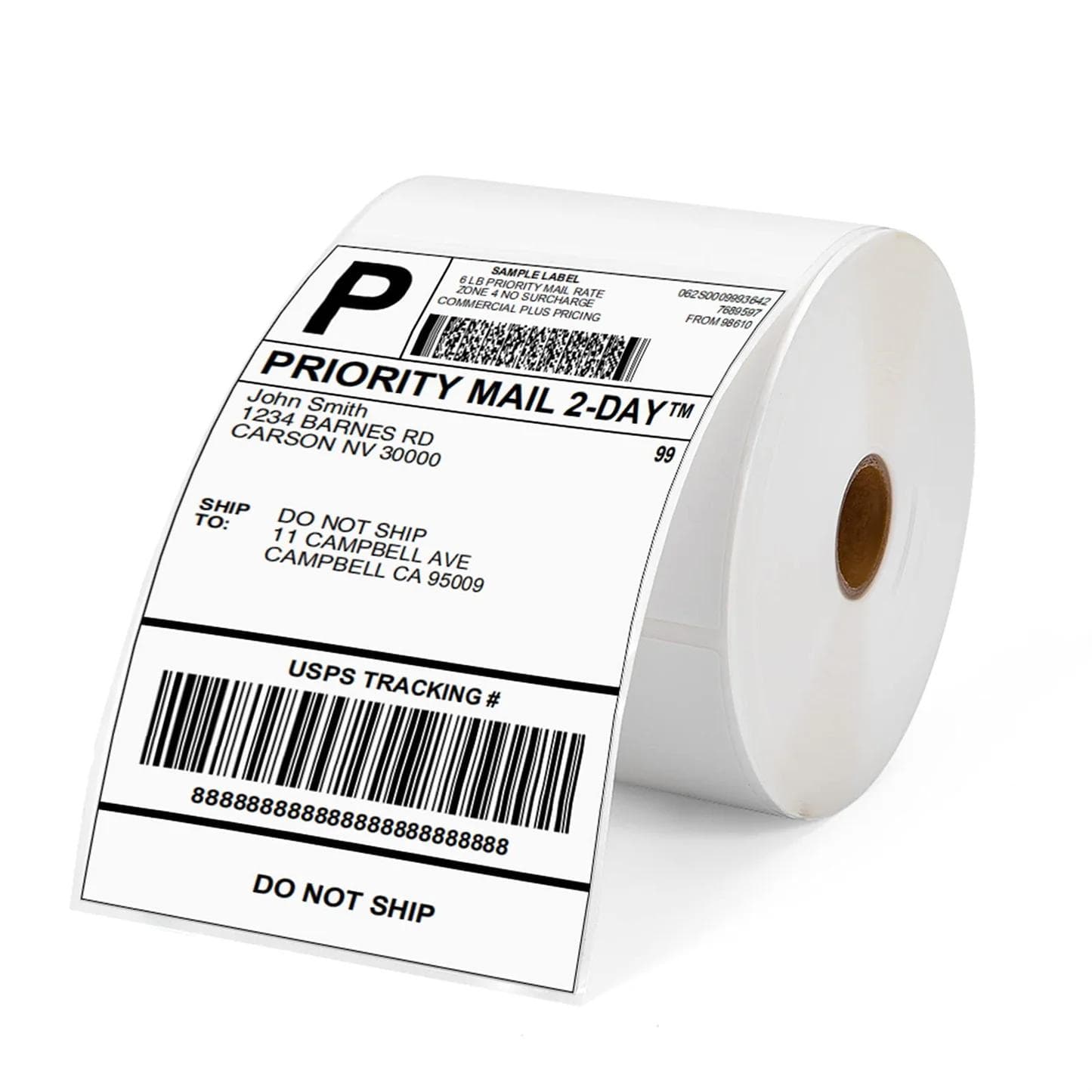
A standard courier shipping label contains the sender's name and address, the recipient's name and address, the carrier's service type (standard, express, etc.), the weight and dimensions, a unique tracking barcode, and a human-readable tracking number. It also typically includes a sort code — a short alphanumeric string that automated sorting machines read to route the parcel to the correct depot and delivery round without needing to process the full address.
International labels additionally include the destination country code, customs commodity codes, declared value, and Harmonised System (HS) codes where required. These fields trigger the appropriate customs processing at the border.
Who Provides the Label
When you book a shipment through Cargosender, the platform generates the shipping label automatically after payment is confirmed. You download and print it from your order confirmation email or the order dashboard. The label is in PDF format, formatted for either A4 paper (cut and attached) or a dedicated label printer such as a Zebra or Dymo using 4x6 inch label stock.
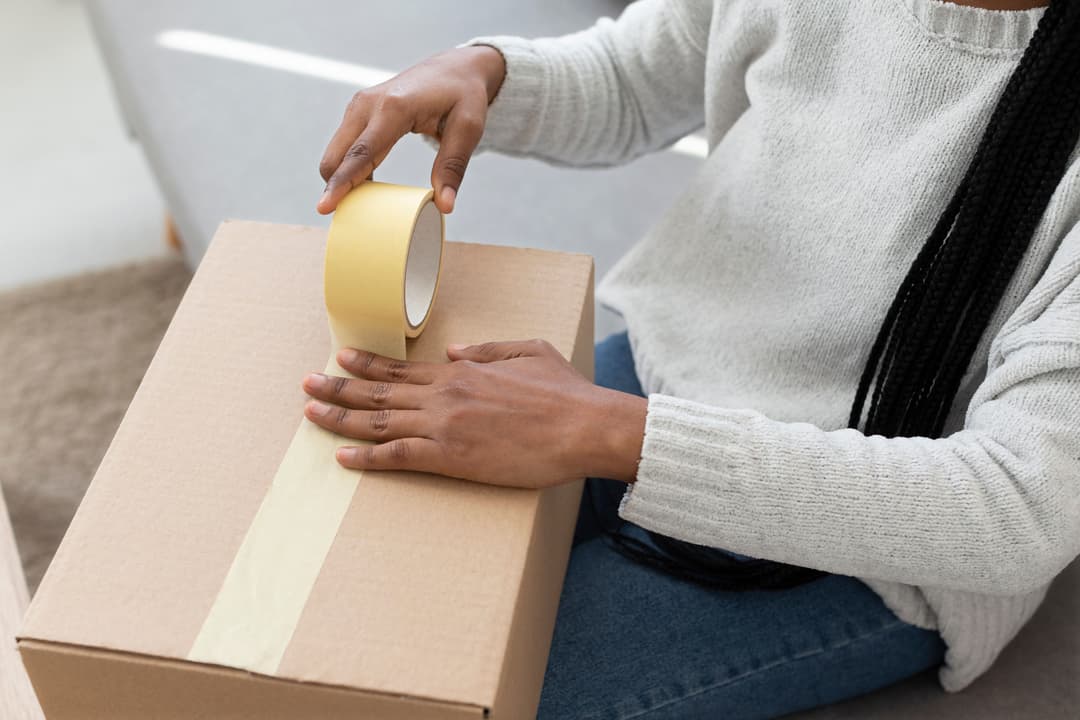
You are responsible for printing and attaching the label to your parcel before the courier arrives for collection. The carrier does not bring a label to you — this is a common misconception.
Label Requirements for Scanning
The barcode on the label must be scannable at every point in the network. This means it must be printed at sufficient resolution (300 dpi minimum), lie flat with no creases or bubbles over the barcode area, and not be obscured by tape, packaging, or shadow. Use a clear adhesive label pouch or apply tape around — not over — the barcode area.
Print in black and white. Colour printing is not required and sometimes causes contrast issues that affect barcode readability. If your printer produces faint output, clean the print head before printing labels.
What Happens If a Label Is Lost or Damaged in Transit
If a label is torn off or becomes unreadable during transit, the carrier will attempt to identify the parcel using the sort code, any secondary barcodes, or the contents of the parcel if it must be opened. This process delays the shipment and is not guaranteed to succeed.
Parcels that cannot be identified are held at a carrier's lost property facility. They are typically held for 30 to 60 days before being disposed of or auctioned. The carrier may contact the sender if a return address is legible.
How to Prevent Label Problems
Apply the label to the largest flat face of the parcel. Do not wrap the label around an edge or corner. Place the label inside a clear plastic adhesive pouch for best protection. On large parcels or shipments travelling long international routes, consider printing a second label and placing it inside the parcel so it can be used for identification if the external label is lost.